Visual creation connected to the catalog and brand channels
Use Provei Studio to create and review product images for catalogs and campaigns.
Configure
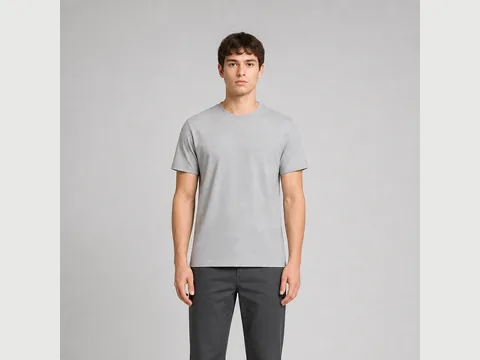 Full body
 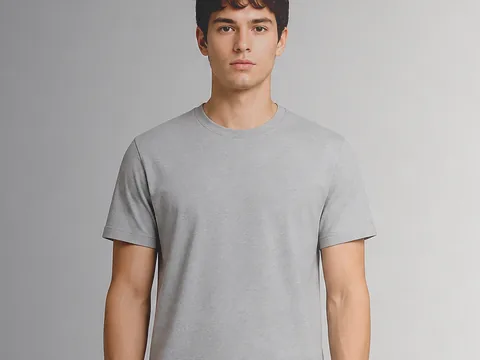 Dramatic light
  Gradient background
 Choose the product, composition, and visual direction before generating the image.
The problem
Technology should make purchase decisions easier.
Generating an image is only one part of the work. The operation needs to know which product is represented, which channel the asset was created for, and who approved the result.
How it works
A clear experience from interest to decision.
-
Define the use
Catalog, campaign, and creative testing call for different compositions.
-
Preserve references
Choose the product, model, and visual direction for each image.
-
Review before publishing
A person reviews and approves each image before commercial use.
Recommended products
Combine the right products for this need.
Provei Studio
Create fashion images for catalogs and campaigns from your chosen product, model, composition, and visual direction.
View productFashion Virtual Try-On
Combine a customer photo with the garment reference to create a fashion visualization connected to the product page.
View productFurniture and Home Decor Visualizer
Place catalog products in a photo of the space to make style, composition, and visual presence easier to understand.
View productBefore you start
Three questions to guide your choice.
A strong start requires a clear category, available data, and experience goal.
- 1 Which channels will receive the images?
- 2 Who reviews product fidelity?
- 3 How are versions and approvals recorded?
Next step
See this solution in action for product content.
Start with one category and see how the experience fits your operation.